MIDI for Programmers: Understanding the Protocol that Connects Music and Code
A technical introduction to the MIDI protocol from a developer's perspective: binary message structure, serial communication, and how to interact with music hardware using code.
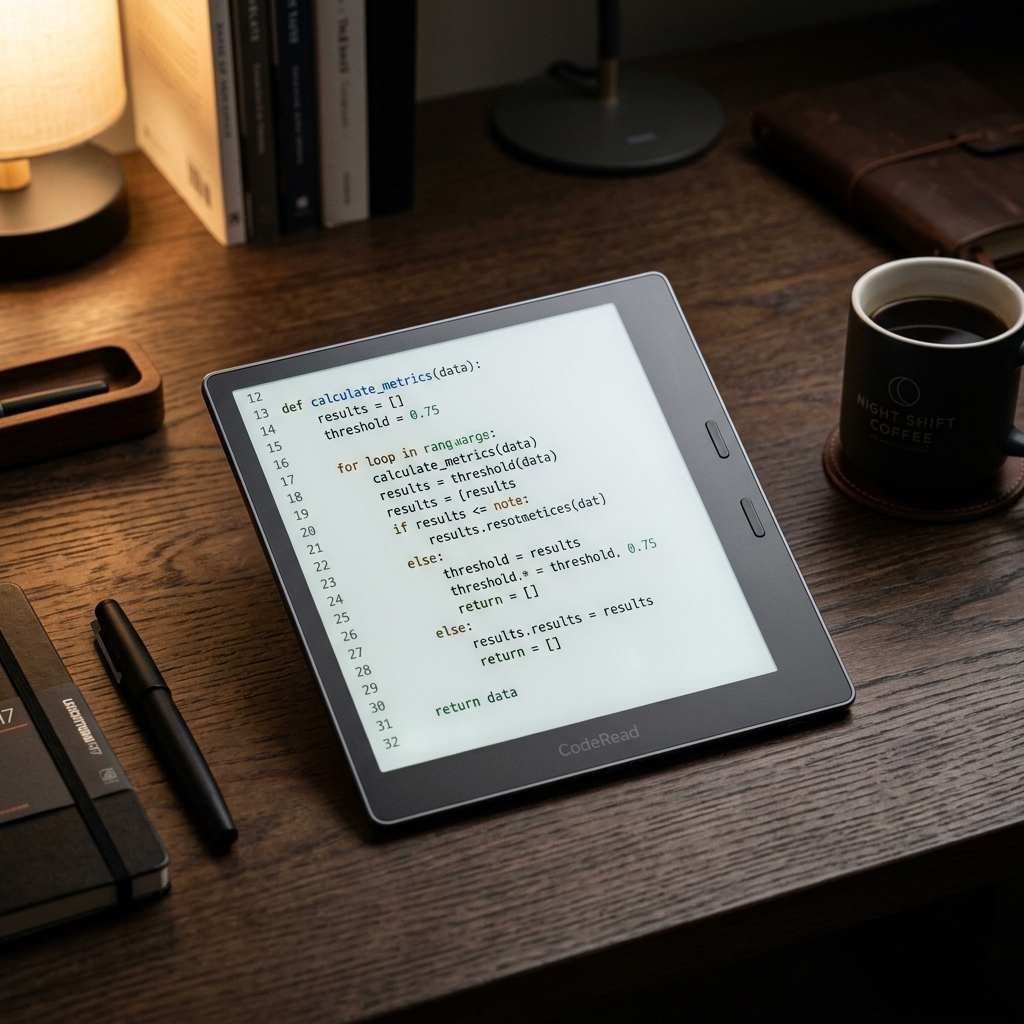

For those who are used to dealing with high-abstraction JSON APIs, interacting with physical hardware sometimes seems like a mystery. However, when we enter the world of electronic music, synthesizers, and controllers, we discover a protocol created in the 1980s that solves hardware communication in an extremely elegant, lightweight, and fast way: MIDI (Musical Instrument Digital Interface).
If you know how to code and like music, understanding MIDI opens the doors to creating your own custom controllers, automating real instruments, and building interactive audio systems.
What really is MIDI?
A common mistake is thinking that MIDI carries audio (the physical sound of an instrument). In fact, MIDI is just a performance data protocol. It describes what a musician does on the instrument, not the sound the instrument produces.
When you press a key on a MIDI keyboard controller, it doesn’t send a sound wave to the computer; it sends a small data packet saying: “Key number 60 (middle C) was pressed on channel 1 with a velocity of 100”. It is up to the receiver (a software on the computer or another synthesizer) to read this message and generate the appropriate sound.
This distinction makes the data flow tiny, allowing transmission to occur in real-time without perceptible latency.
The binary anatomy of MIDI messages
As programmers, we love analyzing data structures. MIDI 1.0 uses short binary messages of 1 to 3 bytes sent serially.
Most channel messages are composed of:
- Status Byte (1 byte): Defines the type of command (Note On, Note Off, Control Change, etc.) and the MIDI channel (from 1 to 16). The most significant bit (MSB) of a Status Byte is always
1(decimal values from 128 to 255). - Data Bytes (0, 1, or 2 bytes): Contain command parameters. The most significant bit of a Data Byte is always
0(decimal values from 0 to 127).
Practical Example: The Note On command
A standard “Note On” message has 3 bytes:
- Byte 1 (Status):
0x90(where9represents Note On and0represents channel 1). - Byte 2 (Note):
0x3C(decimal value 60, mapping to middle C - C4). - Byte 3 (Velocity/Force):
0x64(decimal value 100, indicating touch intensity).
To stop playing the note, the controller sends a Note Off message (0x80, 0x3C, 0x00) or a Note On with zero velocity (0x90, 0x3C, 0x00).
Serial communication and latency
Traditional MIDI uses simple asynchronous serial communication operating at a fixed transmission rate of 31,250 bits per second (baud rate).
Although this rate seems extremely slow by today’s standards (where gigabits are the norm), it is perfectly balanced for the low-power hardware of microcontrollers and the size of the messages. Sending a 3-byte Note On message (24 bits in total) takes less than 1 millisecond, which is well below the threshold of perceptible latency for the human ear (about 10ms).
Currently, MIDI is also encapsulated via USB (USB-MIDI), traveling at the standard speed of modern USB ports with even greater bandwidth.
Interacting with MIDI via code (Python and C++)
Connecting your code to the MIDI world is simple thanks to ready-to-use libraries in virtually all modern languages.
Reading MIDI with Python (Mido)
Using the mido library, you can open MIDI ports on your computer and print received messages in real-time with very few lines of code:
import mido

# List available input ports
print(mido.get_input_names())

# Open the first port and listen for messages
with mido.open_input('Your MIDI Keyboard Name') as inport:
    for msg in inport:
        if msg.type == 'note_on':
            print(f"Note Pressed: {msg.note} | Velocity: {msg.velocity}")
Generating MIDI with Arduino (ESP32 / Arduino Uno)
If you are building your own pedalboard or controller with physical buttons and potentiometers, you can use the MIDI library in C++ to send commands to your synthesizers:
#include <MIDI.h>

MIDI_CREATE_DEFAULT_INSTANCE();

void setup() {
  MIDI.begin(MIDI_CHANNEL_OFF);
}

void loop() {
  // Sends note C4 (60) on channel 1 with velocity 100
  MIDI.sendNoteOn(60, 100, 1);
  delay(1000);

  // Sends Note Off to stop the sound
  MIDI.sendNoteOff(60, 0, 1);
  delay(1000);
}
Conclusion
MIDI proves that simple protocols focused on transmission efficiency last for decades. By understanding the binary architecture of its messages and how serial communication works, you can program solutions that expand musical creativity, integrating the software you write with the physical hardware you use on stage or in the studio.